Dynamic QR Codes You Can Edit Anytime
Never reprint packaging, menus, or event flyers because a URL changed. Create customized QR codes with your logo, download crisp vector SVGs for print, and update where they point in seconds.
Print Quality
Crystal-Clear Printing at Any Size
Never worry about blurry scans on printed materials. LinkForge exports vector graphics that stay razor-sharp on product packaging, paper flyers, and giant billboards.
Vector SVG files stay crisp and sharp at any scale. Unlike standard image files that become pixelated when enlarged, SVG files can be scaled from a tiny business card up to a massive billboard with zero loss in quality.
- Scales cleanly from a 1-inch sticker to a 20-foot banner
- Works seamlessly in Canva, Adobe Illustrator, and professional print shops
- Ready for commercial die-cut packaging and embossed labels
Standard web generators export low-quality 72 DPI images that look fuzzy when printed. LinkForge provides high-density 300 DPI images with clean transparent backgrounds, ready for websites, email templates, and presentations.
- Transparent background for easy placement on any design
- Opens instantly in any image viewer without special software
- Lightweight file size optimized for fast downloads
Scan Reliability
Built-in Scan Protection: How It Works
Even if your QR code is scratched, folded on paper, or has your company logo in the center, phone cameras can still scan it instantly.
Best for clean screen displays and simple digital links without logos.
The recommended default for standard flyers, business cards, and menus.
Ideal when adding a small brand icon or logo in the center.
Best for large center logos, outdoor signs, and product packaging that gets handled often.
Level H Error Correction with Custom Brand Styling
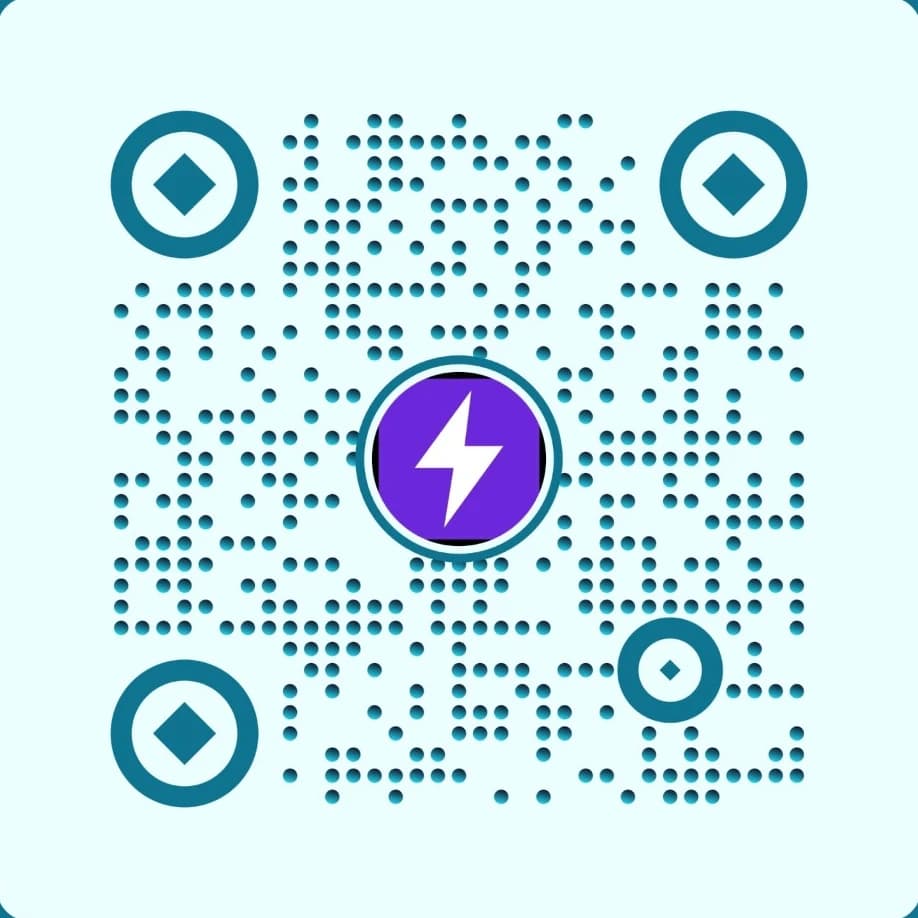
Center Logo Bolt
Level H (~30%) for logo embedding
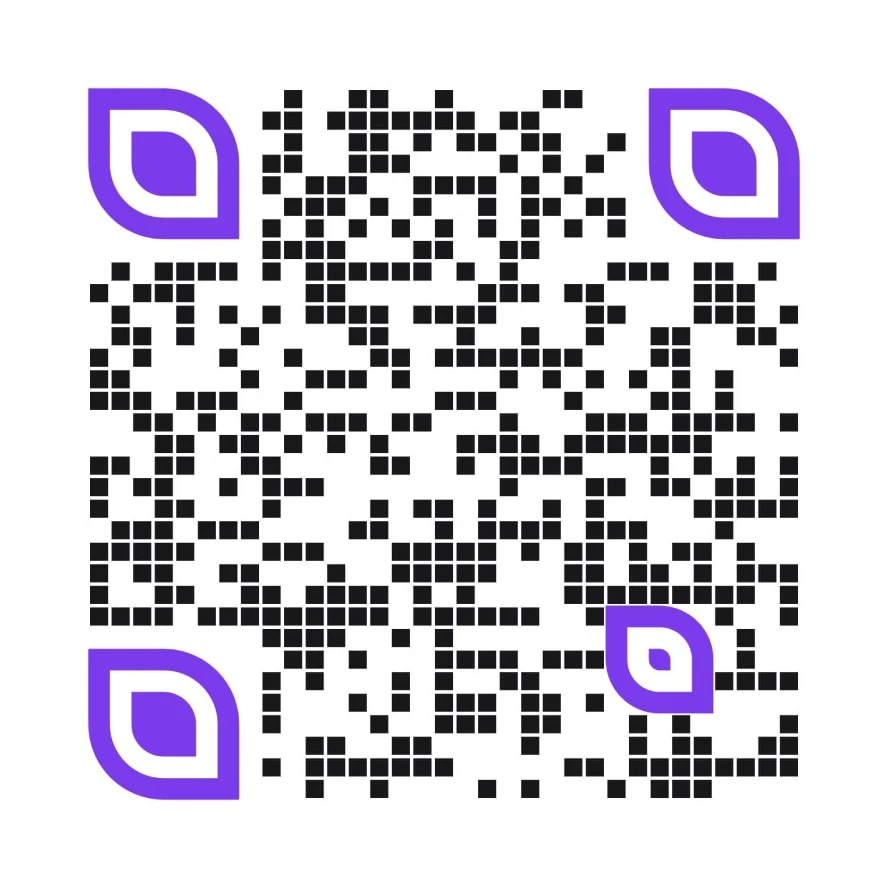
Botanical Leaf Eyes
Organic styled eye locators
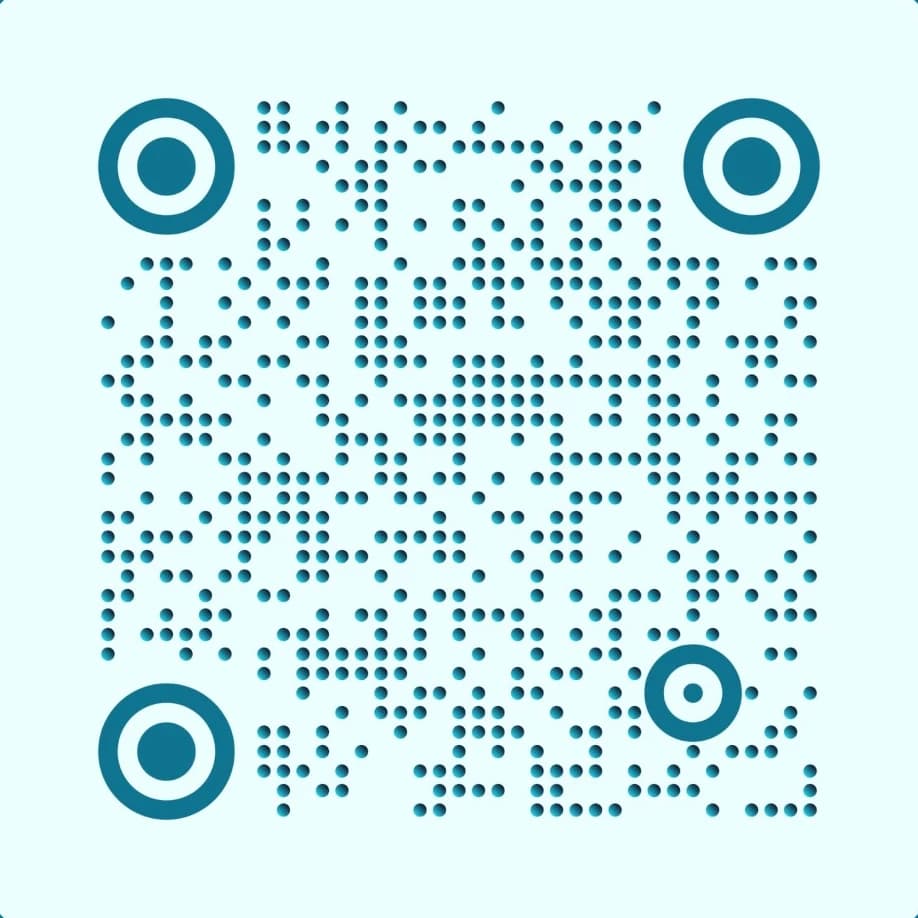
Concentric Circles
High-tech event & signage format
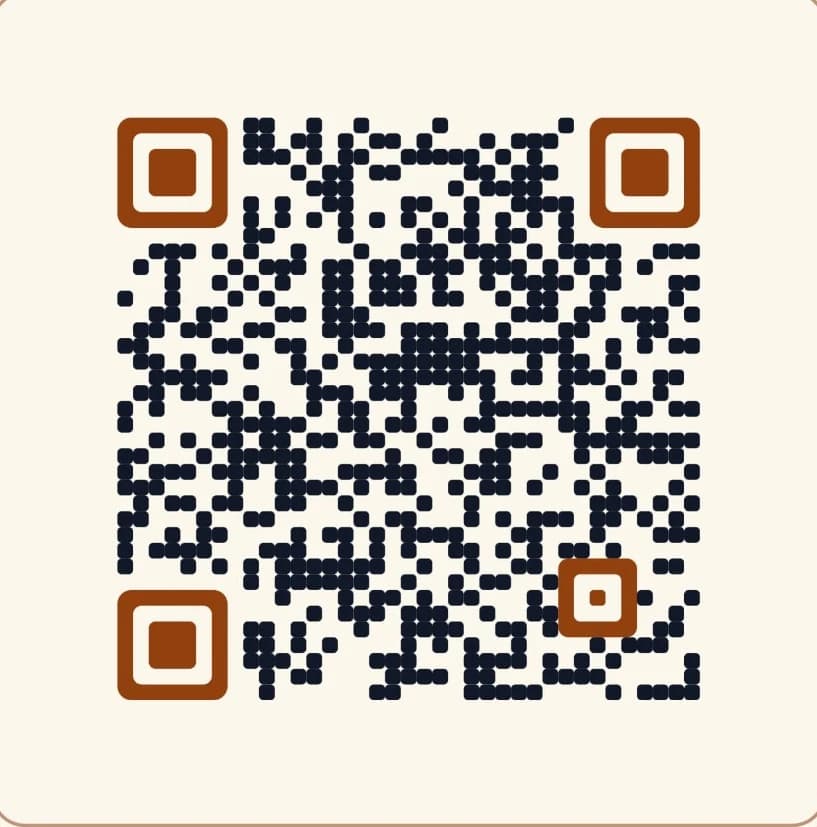
Warm Brand Palette
Custom retail & menu color styling
Print Intelligence
Branded QR codes designed for conversion
From outdoor billboards to product packaging, LinkForge QR codes combine visual brand identity with flexible link management.
Editable Target URLs
Update destination URLs after print runs go live. Never worry about broken links, expired promotions, or obsolete landing pages.
Logo & Brand Customization
Embed high-resolution brand logos, customize foreground/background palettes, and select eye patterns while maintaining scannability.
Vector SVG & PNG Export
Download crisp vector SVG graphics for large-format print production alongside 300 DPI web-ready PNG files.
Real-Time Scan Analytics
Track scan timestamps, geographic locations by city/country, visitor mobile operating systems, and campaign ROI.
Smart Routing Integration
Direct scans to device-specific destinations—routing iPhone users to the App Store and Android users to Google Play automatically.
Automated UTM Tagging
Append source, medium, and campaign parameters to your QR links to attribute offline conversions in your analytics tool.
Physical Touchpoints
4 High-Impact Physical Marketing Use Cases
From product packaging to live experiential marketing, see how teams connect print with measurable digital journeys.
Product Packaging & Unboxing
E-Commerce & Consumer Brands
Print dynamic QR codes on retail boxes, instruction manuals, or garment tags. If assembly videos or firmware guides get updated, edit the destination instantly without halting production lines or throwing out existing packaging inventory.
- Direct customers to warranty registration or product tutorials
- Rotate repeat-purchase coupon codes based on day of week
Direct Mail, Billboards & Flyers
Out-of-Home & Local Growth Marketing
Eliminate blind spots in offline advertising. Print unique dynamic QR codes across different postal codes or billboard locations to accurately measure response rates, cost-per-scan, and customer acquisition by physical location.
- Attribute revenue back to specific print ad distributions
- High-contrast dark patterns ensure quick scans from passing cars
Conferences, Badges & Booth Displays
B2B Events & Lead Generation
Equip trade show booths, roll-up banners, and attendee lanyard badges with trackable dynamic QR codes. Route booth visitors straight to lead capture forms or downloadable presentation slide decks.
- Inspect hourly scan volume spikes during keynote presentations
- Swap slide decks post-event without changing printed materials
Restaurant Menus & Hospitality
Digital Table Ordering & Guest Portals
Provide instant contactless dining menus on tabletop tent cards. Easily update daily specials, drink menus, or WiFi captive portals without reprinting tabletop acrylic holders or laminated cards.
- Time-based smart routing swaps lunch and dinner menus automatically
- Fast mobile scanning with zero app downloads required
Production Standards
The Pre-Print Scannability Checklist
Follow these proven engineering guidelines before sending files to commercial print presses.
Maintain a blank border space (quiet zone) around the QR code of at least 4 modules (dots) wide. Never place text or graphics touching the outer edge.
Ensure strong contrast between foreground and background. Dark code modules on a light background scan fastest across low-end mobile camera sensors.
Calculate target scanning distance. A tabletop menu needs 2x2 cm minimum, while an outdoor billboard viewed from 50 feet needs a 5x5 foot graphic.
Ecosystem
Related Platform Capabilities & Guides
Discover connected tools, implementation playbooks, and comparisons to maximize your campaign performance.
Dynamic vs. Static QR Code Guide
Print sizing standards, Reed-Solomon error correction, and vector SVG requirements.
QR Code Generator Alternative
Compare LinkForge's vector SVG generator against costly single-purpose QR platforms.
Branded QR Scan Domains
Build attendee trust by serving dynamic QR destinations through your brand domain.
Dynamic QR Plan Limits
Compare high-volume QR code generation across Starter, Pro, and Business tiers.
FAQ
Frequently Asked Questions
Common questions about dynamic QR code generation, vector formats, and scanning analytics.
Can I edit where a QR code redirects after it has already been printed?
Yes, on paid plans (Starter, Pro, and Business). Dynamic QR codes route through LinkForge short links, which means the physical code pattern encodes your short URL rather than a static long URL. On Starter, Pro, and Business tiers, you can update the target destination in your dashboard at any time without reprinting physical packaging, brochures, or billboards. On the Free plan, QR codes permanently direct to your initial link destination.
What is the difference between encoding a direct URL versus a dynamic link in a QR code?
Encoding a direct destination URL hardcodes the full web address directly into the QR matrix, producing a static QR code. Static QR codes cannot be redirected if the URL changes, cannot capture scan analytics, and longer URLs create dense, hard-to-scan pixel patterns. Dynamic QR codes route through a clean short URL, ensuring your printed materials remain editable post-print with real-time scan metrics.
What file formats can I download for commercial print production?
LinkForge exports resolution-independent scalable vector SVG files alongside ultra-high-resolution 300 DPI PNG files. Vector SVG files can be enlarged infinitely without pixelation, making them ideal for billboards, exhibition backdrops, vehicle wraps, and high-precision packaging.
How does center logo embedding work without making the QR code unscannable?
QR code standards include built-in Reed-Solomon Error Correction. By selecting High (Level H) or Quartile (Level Q) error correction, up to 30% of the code data can be obstructed by your company logo while remaining 100% readable by mobile camera scanners.
What are the QR code error correction levels (L, M, Q, H)?
Level L restores up to 7% of damaged or covered data, Level M restores up to 15%, Level Q restores up to 25%, and Level H restores up to 30%. For codes with embedded center logos or outdoor print materials subject to wear and tear, LinkForge recommends using Level Q or H.
What is the minimum physical print size for a dynamic QR code?
For handheld items scanned at arm's length (business cards, flyers, restaurant menus), we recommend a minimum size of 20mm x 20mm (0.8 x 0.8 inches). For posters and billboards, use the standard 10:1 scanning ratio (a QR scanned from 10 feet away should be at least 1 foot wide).
Do LinkForge QR codes ever expire or stop working?
No. Dynamic QR codes generated on LinkForge do not expire automatically. They remain fully active as long as your workspace account is maintained. You can also manually pause or archive codes whenever a seasonal promotion concludes.
How do I track which print campaign generated a specific QR scan?
When creating dynamic QR codes, you can attach distinct UTM campaign parameters (e.g., `utm_source=print&utm_medium=flyer_nyc`) or use dedicated short links for each physical touchpoint. Your dashboard will segregate scans by campaign, city, device OS, and time of day.
Create Your First Dynamic QR Code in Seconds
Generate customizable, print-ready dynamic QR codes with vector SVG downloads and real-time tracking.